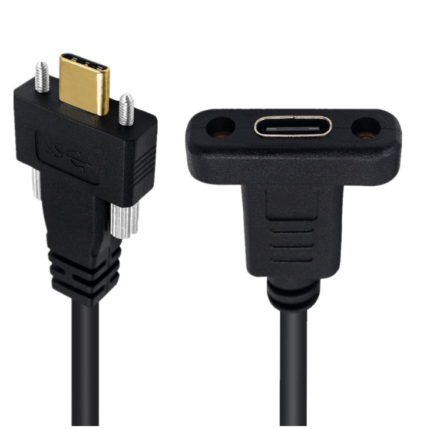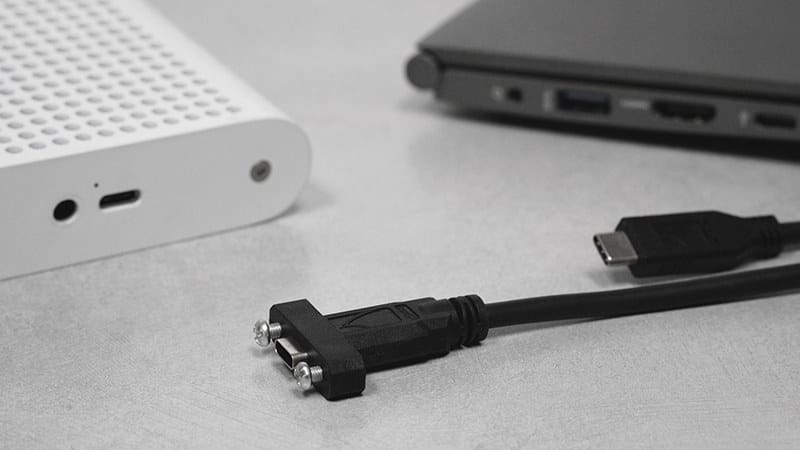
POS USB-C PD Cable for Kiosk and Self-Service Terminals
A POS USB-C PD cable that carries power and data over one link between a retail terminal and its peripherals. PD 3.0 and 3.1 negotiation with an E-Marker, USB 3.2 Gen 2 class data, and a molded strain relief with an optional latch or screw-lock shell.
Overview
Retail terminals and self-service kiosks are moving off PoweredUSB and separate 12 V or 24 V barrels onto a single POS USB-C PD cable link that carries power and data together. Fewer connectors behind the counter means fewer service calls, and a standard cabled interface means the terminal and the peripheral can be sourced independently. The catch is that a counter is a far worse environment than a desk: the lead gets snagged by stock, by cleaning and by customers leaning on the counter.
Key Specifications
| Product type | USB-C PD power and data cable for POS and kiosks |
|---|---|
| Power delivery | PD 3.0 / 3.1, up to 240 W – design target, to be confirmed |
| Data rate | USB 3.2 Gen 2 class, 10 Gbps – to be confirmed |
| E-Marker | Required for the higher current levels – rating to be confirmed |
| Retention | Molded strain relief, optional screw-lock or latch shell |
| Length range | 0.5 m to 3 m |
| Jacket | PVC or TPE, set by the installation |
| Voltage drop | Checked over the stated length as part of the test plan |
| Labeling | Part number and terminal tag printing available |
What kills a counter cable
Every one of these is a field failure we have been asked to fix, and every one has a design answer that costs less than the callout:
| Stress in service | What it does | Design answer |
|---|---|---|
| Snagging by stock and cleaning | Plug walks out, terminal drops out mid-transaction | Latch or screw-lock shell specified at design stage |
| Repeated side load at the plug | Load into the solder terminations, intermittent link | Molded strain relief sized to the cable, not to the plug |
| Cleaning fluids on the jacket | Jacket stiffens then cracks at the bend | PVC or TPE chosen for the agents the site uses |
| Voltage drop on a long run | Peripheral resets at peak hour, not at commissioning | Length and cross-section checked together against the load |
| Wrong data class specified | Paying for 10 Gbps on a printer that runs at USB 2.0 | Specify down where the peripheral does not need it |
Power: negotiation is not the same as delivery
USB Power Delivery is a negotiated contract, not a fixed output. The source offers a set of profiles, the sink requests one, and the cable has to identify its own capability through an E-Marker chip before the higher current levels are offered at all. In USB-IF naming, PD 3.1 extended power range is the 240 W class at 48 V and 5 A; PD 3.0 covers the 100 W class at 20 V and 5 A. Those are the industry definitions for the specification, quoted here so you can match the terminal to the peripheral. The wattage, the E-Marker current rating and the data rate on this page are design targets until the supplier datasheet and our own electrical results are in.
One figure matters more than the headline wattage in a kiosk: voltage drop over the stated length. A cable that negotiates the correct voltage but loses it across a three meter run will still leave a receipt printer resetting at peak hour, so drop over length is part of the test plan rather than an afterthought.
Retention options
Latching matters more here than it does in office use, and retrofitting it after the first failure costs a site visit. Choose at design stage:
- Molded strain relief only – suits a terminal where the lead is clamped and never touched.
- Latch shell – a mechanical catch in the plug body, quick to connect and disconnect by hand.
- Screw-lock shell – threaded retention for a terminal that is moved, cleaned around or mounted where the lead can be kicked.
Specify down where you can
Across a rollout of several hundred units, the difference between a Gen 2 assembly and a plain data lead is real money. Confirm two things before ordering: the terminal-side power profile, and whether the peripheral actually needs high-speed data. A receipt printer on a plain USB 2.0 link does not need a Gen 2 cable. A scanner with image capture might. Tell us the counter layout and we will quote the shortest usable length, because length is what erodes both the data margin and the voltage.
Typical applications for this POS USB-C PD cable
- Counter terminals consolidating PoweredUSB and barrel feeds onto one link, with our USB-C PD charging cable where a separate charge lead is still needed
- Self-service kiosks and ticketing machines built up as a kiosk and self-service terminal harness
- Scanner, camera and printer drops at the point of sale, including Zebra and Symbol scanner builds
- Legacy estates still running powered USB alongside the new terminals, using our NCR RealPOS 25 powered cable
- Tablet based terminals on stands, where a right angle USB-C cable keeps the lead flat against the mount
USB Power Delivery and the E-Marker requirement are part of the USB-IF specifications for the point of sale hardware class this replaces; we build to the profile on your drawing and verify to that figure.
How to specify your build
- Terminal power profile – the voltage and current the terminal requests.
- Peripheral data class – Gen 2, or plain data if the device does not need it.
- Length, taken from the counter layout rather than from a catalog.
- Retention – strain relief, latch or screw-lock.
- Jacket – PVC or TPE, and what it will be cleaned with.
- Quantity, and whether this is a prototype or a rollout.
Workmanship and testing
Terminations on POS USB-C PD builds run from 32 to 12 AWG, and the work is held to IPC/WHMA-A-620 Class 3 inside an ISO 9001 system. No POS unit is packed until continuity and pinout check out, and seal checking is quoted whenever an ingress rating is on the drawing.
RoHS and REACH declarations are provided per project together with the agreed test reports; the documentation scope is listed under certifications and compliance. If your drawing specifies a UL style, we build to that drawing and supply the UL reference with the shipment instead of substituting an equivalent. Injection parameters for this part are developed against the jacket material using the approach documented under how we run the overmold press. More background: what instrument builds require. Any tooling we cut for this part stays yours, maintained in our own tool room under your part reference.
Custom builds and ordering
POS USB-C PD prototypes start from 1 to 50 pcs and ship in 3 working days. Series supply starts at 500 pcs and takes 14 working days after approval. Tooling not already held adds around 10 working days. POS builds ship under your part number and labeling for OEM and ODM orders, and material certificates and first-article reports are on offer.
Related assemblies
- USB-C PD Charging Cable 240 W PD 3.1 EPR
- USB-C PD Trigger Cable to DC 5.5×2.1mm
- Kiosk and Self-Service Terminal Harness
- Zebra / Symbol Scanner Cable
- NCR RealPOS 25 Powered USB Cable
- Waterproof USB-C Bulkhead Cable for Panel Mount Enclosures
Full range: signal and data cables.
Frequently Asked Questions
Do I need an E-Marker for a 100 W terminal?
Current levels above the base 3 A require the cable to identify itself, so yes for anything beyond that. The rating your assembly is built to is stated per order.
Can I use a 3 m lead on a 240 W terminal?
Possibly, but check voltage drop rather than the wattage figure alone. Long runs at high current are where resets appear, and it shows up at peak hour rather than at commissioning.
Is the latch worth specifying?
On a counter, yes. A lead gets snagged by stock and by cleaning; a latch shell fitted at design stage is far cheaper than the site visit after the first failure.
What is the minimum order?
POS USB-C PD prototypes start from 1 to 50 pcs and ship in 3 working days. Series supply starts at 500 pcs and takes 14 working days after approval.
| Product type | USB-C PD power and data cable for POS and kiosks |
|---|---|
| Power delivery | PD 3.0 / 3.1, up to 240 W – design target, to be confirmed |
| Data rate | USB 3.2 Gen 2 class, 10 Gbps – to be confirmed |
| E-Marker | Required for the higher current levels – rating to be confirmed |
| Retention | Molded strain relief, optional screw-lock or latch shell |
| Length range | 0.5 m to 3 m |
| Jacket | PVC or TPE, set by the installation |
| Voltage drop | Checked over the stated length as part of the test plan |
| Labeling | Part number and terminal tag printing available |
Related products
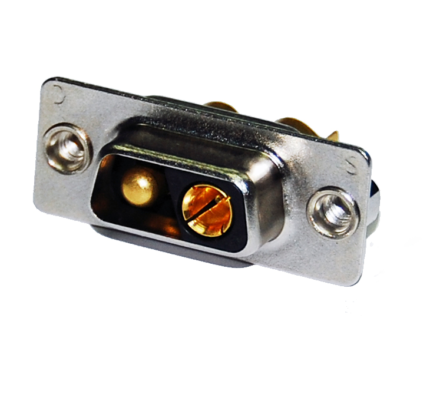
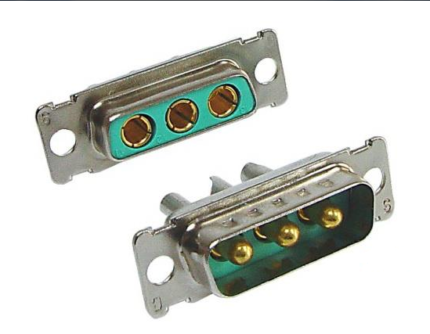
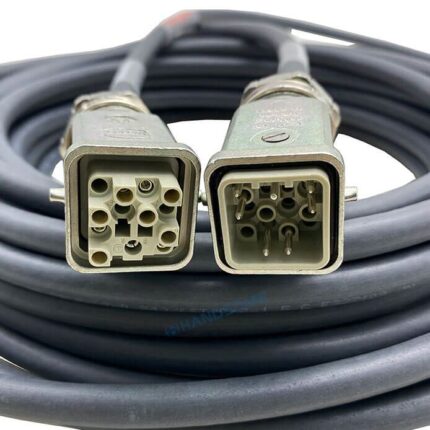
KUKA Robot Encoder Cable Compatible with 00-174-775
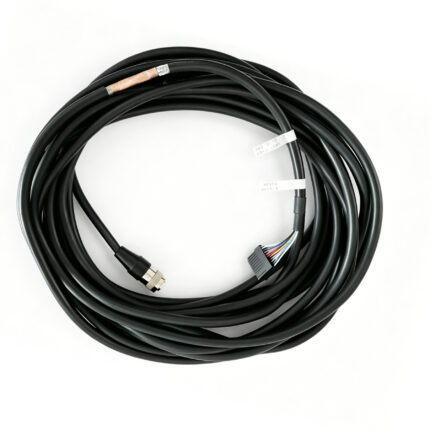
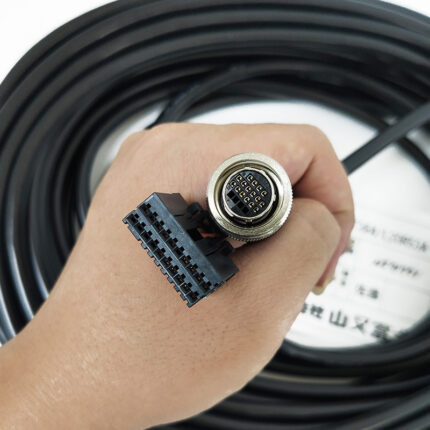
This kuka encoder 174775 cable is wired to the KUKA pin assignment for part 00-174-775, running encoder power and the data pair from the robot axis back to the controller. Six cores plus one pair under foil and braid, in a matte black PUR drag-chain jacket. A compatible replacement, not an OEM part.