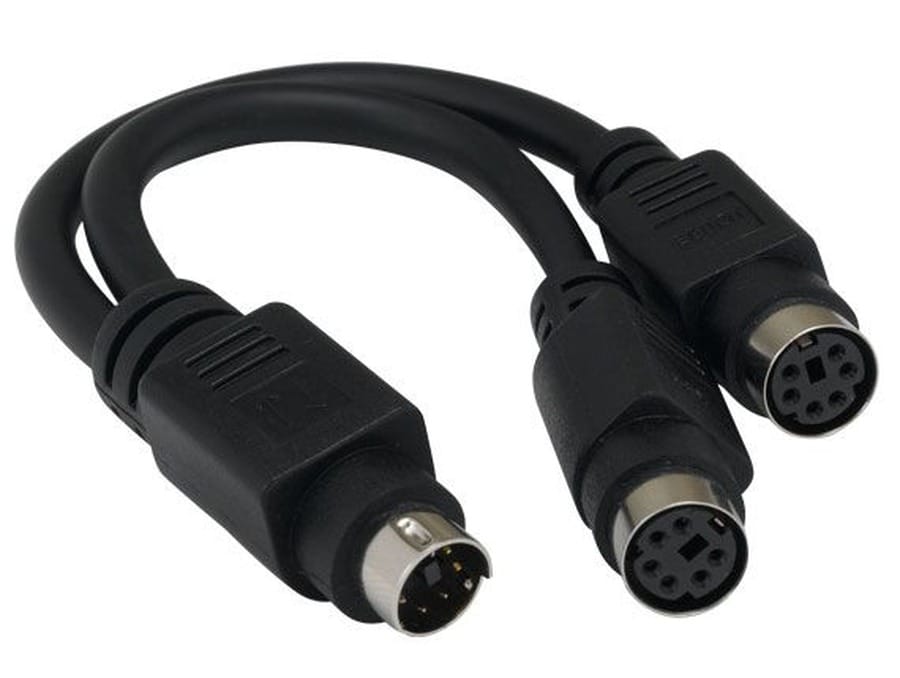
6 in Mini-DIN6 PS/2 Male to 2 Female Y Splitter Cable
A mini din6 y splitter cable that takes one Mini-DIN6 source to two Mini-DIN6 sockets: a passive adapter, not a converter or a multiplexer.
Overview
A mini din6 y splitter cable takes one Mini-DIN6 source and presents two Mini-DIN6 sockets. It is a passive adapter, and that is the part most buyers get wrong: it does not convert anything, it does not let two keyboards type at once, and it does not turn a combined port into two independent ones. What it is good for is giving two physical sockets where the equipment only offers one, so a device that has to be plugged in permanently and another that gets swapped in can both be connected.
Key Specifications
| Connector A | Mini-DIN6 (PS/2) male |
|---|---|
| Connector B | 2x Mini-DIN6 (PS/2) female |
| Length | 6 in (about 15 cm) |
| Jacket | PVC |
| Wiring | Passive parallel wiring, built to the pinout you specify |
| Shell | Molded mini-DIN bodies with keyed shrouds |
| Function | Connector adapter only; no signal conversion |
| Build standard | Built to your pinout; not a multiplexer or converter |
What a PS/2 Y splitter does and does not do
| Job | Works | Why |
|---|---|---|
| Two sockets on one port, one device active | Yes | The wires are simply paralleled |
| Keyboard and mouse on a single combined port | Sometimes | Only if the host port and the device both support the combined pinout |
| Two keyboards typing at the same time | No | The host port drives one set of lines; you need active switching |
| PS/2 to USB conversion | No | That needs active electronics, not wiring |
| Extending the reach of a short lead | Partly | Six inches is all this adds; use an extension instead |
PS/2 is not designed to be hot-plugged, and the color coding on the ports is the usual way to tell them apart. If you want the background, the PS/2 port article covers the pinout and the color convention.
Identifying the Mini-DIN6 port you have
- Count the pins. Mini-DIN6 has six pins around a central key. A five-pin version at the same size is the older AT keyboard connector and is not the same part.
- Check the color. Purple is conventionally the keyboard port, green the mouse port, and a port with both colors is a combined port.
- Look at what the host expects before you split anything. A combined port and a dedicated keyboard port are not wired identically.
- Note the gender. The splitter needs a male plug for the host and female sockets for the devices.
- Decide what each socket is for, because that decides the wiring.
Tell us what you are plugging into each socket and we build to that pinout rather than to a generic chart.
Why these leads get replaced
- Leverage. A 6 in lead with two sockets hanging off it puts real strain on a soldered panel connector.
- Bent pins. Mini-DIN pins are thin and the shell has no strain relief of its own. One misaligned plug bends a pin and the port stops working entirely.
- Hot-plugging. PS/2 ports are not meant to be plugged in with the power on. Doing it repeatedly is a known way to damage a host controller.
- Misunderstanding the function. A passive splitter bought to run two keyboards gets blamed when the second one does nothing.
- Cable chew. At the back of a rack these short leads get caught on everything that moves.
Fitting and testing a splitter
- Power the host down before you plug anything in.
- Align the keyway and seat the plug straight. Do not rock it in.
- Connect one device first and confirm it works on its own.
- Add the second device and test both.
- If only one works, the host port is not a combined port or the pinout differs. That is a host limitation, not a faulty cable.
Typical Applications for This Mini DIN6 Y Splitter Cable
- Legacy industrial PCs where one port has to serve two devices at different times
- KVM and bench setups where a keyboard and a test device share a port
- Barcode scanners and touch controllers wired as keyboard wedge devices
- Point of sale terminals still fitted with Mini-DIN ports
- Machine tools and test equipment whose controller predates USB
How to specify your build
- What plugs into each socket and in what combination.
- Pinout, if you know it.
- Host port type: dedicated keyboard, dedicated mouse, or combined.
- Length of the lead, if 6 in is not right for the enclosure.
- Molded or assembled bodies.
- Marking for each socket if the two are not interchangeable.
- Quantity, and whether this is a prototype or a production order.
Workmanship and testing
Assembly and inspection follow IPC/WHMA-A-620 Class 3 workmanship criteria under our ISO 9001 quality management system, and every unit passes 100% continuity and pinout testing before it is packed. Conductor range is 32 to 12 AWG. Because the two sockets are not always interchangeable, we verify the wiring against the pinout you specify rather than against a default. Any pinout quoted for the interface is the industry-standard one; your assembly is built and verified to your drawing.
Every production run can ship with RoHS and REACH declarations and the electrical report agreed at quotation; see certifications and material declarations. UL styles and other named approvals are built to drawing: we source to the style you specify and document it, rather than asserting a listing we do not hold. Production runs on the same lines described under the assembly lines behind this build, where cutting, termination, molding and 100 percent electrical verification sit under one roof. The wider context is covered under our broadcast and pro AV work. Tooling is quoted separately, cut in-house rather than brokered out, and owned by you.
Custom builds and ordering
Five pieces is the prototype minimum for 6 builds, shipping in 3 working days. The production minimum is 500 pcs, delivered 14 working days after approval. Tooling not already held adds around 10 working days. 6 orders ship as OEM or ODM under your part number and labeling material certificates plus first-article reports are available.
Related legacy port and audio assemblies
Keeping legacy ports in service usually means one of these as well:
- 6-Pin DIN Male to Male Dual Right-Angle Cable
- 8-Pin DIN Male to Female Panel-Mount Extension Cable
- 4-Pin MIDI DIN Male to Female Extension Cable
- VGA HD15 1 Male to 2 Female Y Splitter
- 3.5mm Stereo Y Splitter Cable
- DB9 to RJ45 Serial / Console Cable
- Barcode Scanner Cable with Coiled Cord, DB9 to RJ45
Full range: audio and video cable assemblies.
Frequently Asked Questions
Can I run two keyboards from one port?
Not with a passive splitter. The host port drives one set of lines. You would need an active switch, which is a different product.
Will it work for a keyboard and a mouse together?
Only on a combined port and with devices that share that pinout. Test with one device first, then add the second.
Is it the same as a 5-pin DIN?
No. Mini-DIN6 is the six-pin PS/2 shell. The five-pin version is the older AT keyboard connector.
Can I plug it in with the power on?
It is not advised. PS/2 ports are not specified for hot-plugging and the host controller can be damaged.
What is the minimum order?
Five pieces is the prototype minimum for 6 builds, shipping in 3 working days. The production minimum is 500 pcs, delivered 14 working days after approval.
| Connector A | Mini-DIN6 (PS/2) male |
|---|---|
| Connector B | 2x Mini-DIN6 (PS/2) female |
| Length | 6 in (about 15 cm) |
| Jacket | PVC |
| Wiring | Passive parallel wiring, built to the pinout you specify |
| Shell | Molded mini-DIN bodies with keyed shrouds |
| Function | Connector adapter only; no signal conversion |
| Build standard | Built to your pinout; not a multiplexer or converter |
Related products
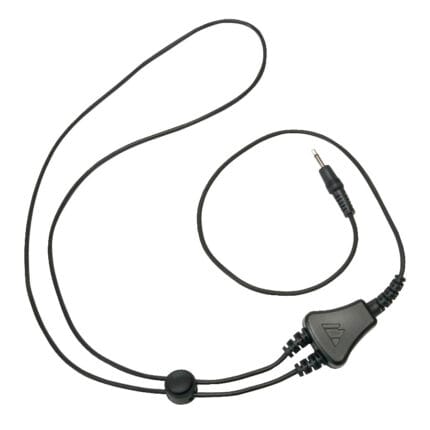
Assistive Listening Neckloop with Breakaway Safety Release
USB-C to DisplayPort Cable for High Refresh Monitors
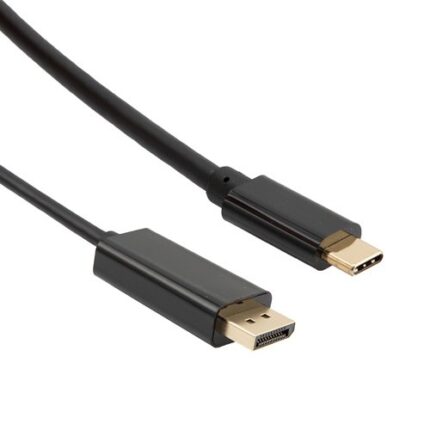
A USB-C to DisplayPort cable carries native DisplayPort signaling out of a USB-C port, bi-directional and without a converter in the path. Latching shell, gold plated contacts, reinforced molding at the USB-C end. Tell us your source, monitor and target refresh format and we will build the length to it.