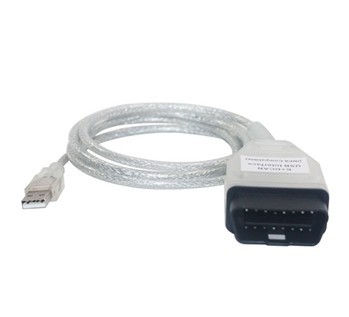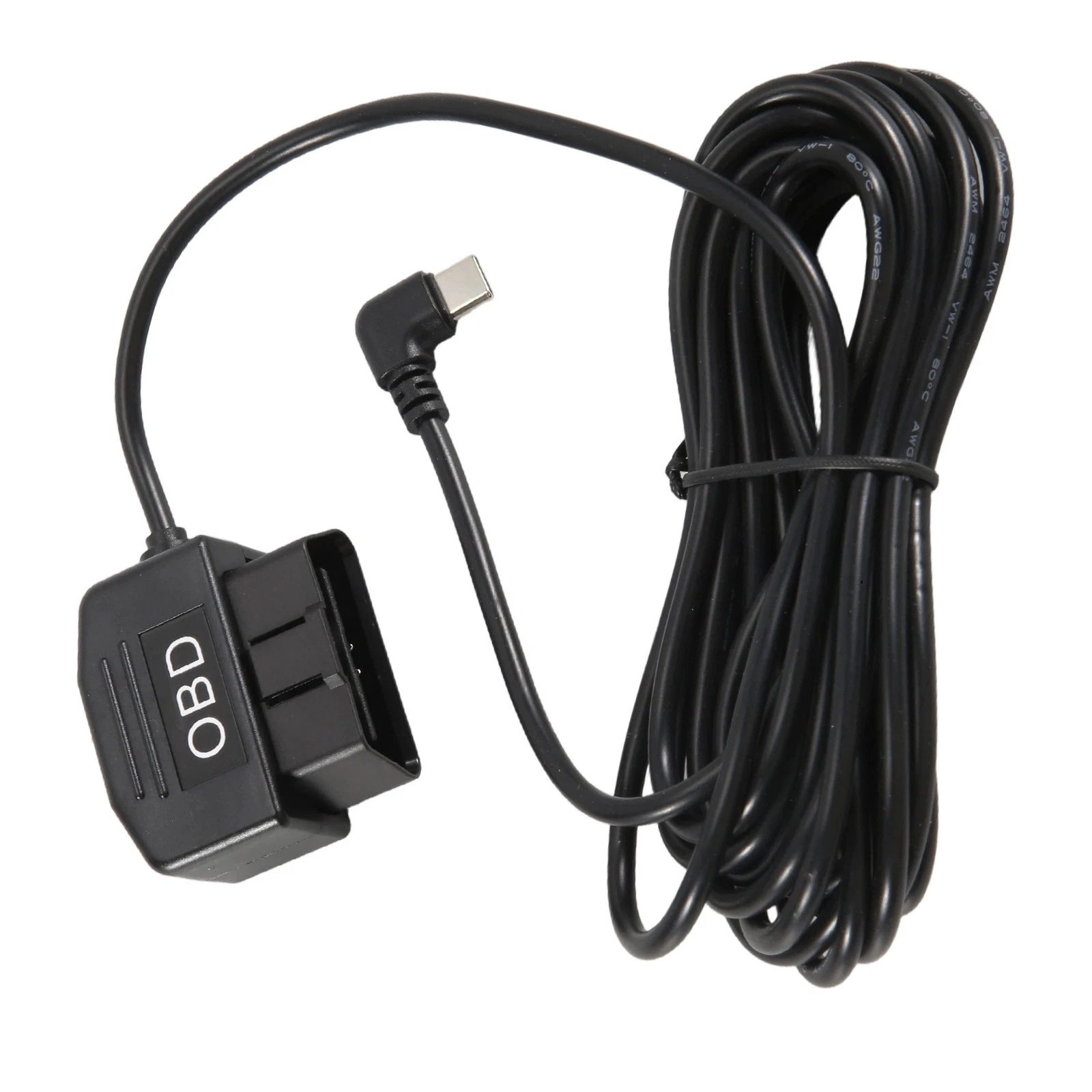
OBD2 Dashcam Power Cable with Low-Voltage Cutoff and Parking Timer
An OBD2 dashcam power cable with a selectable low-voltage cutoff and parking timer, taking the diagnostic socket supply to a regulated USB-C output for 12 V and 24 V vehicles. No fuse tap, no trim removal, thresholds set per order.
Overview
An OBD2 dashcam power cable takes the supply already available at the
diagnostic socket under the dash and turns it into a regulated USB-C output for a dash camera,
with a control box that watches battery voltage and disconnects before the vehicle will not
start. It removes the hardwire job: no trim removal, no add-a-circuit fuse tap, no guessing which
blade in the fuse box is permanently live. What it does not remove is the need to think about
the battery, which is where most parking-mode installs go wrong.
Key Specifications
| Connector A | J1962 16-pin plug |
|---|---|
| Connector B | USB-C plug |
| Output | 5 V up to 3 A, 9 V up to 2 A, or 12 V at 1.5 A |
| Input range | 12 V to 24 V vehicle systems |
| Cutoff thresholds | 11.8 V / 12.0 V / 12.4 V selectable, 23.6 V for 24 V systems |
| Parking timer | 3 h / 6 h / 12 h / off |
| Control box | Injection molded, inline |
| Length | 3.5 m or 4 m |
| Protection | Low-voltage disconnect at the selected threshold; overcurrent behavior per build |
| Standby draw | Control box quiescent current stated on your drawing |
| Plug style | Straight USB-C standard; right-angle plug on request |
Constant live or switched: the question that decides everything
The J1962 on-board
diagnostics socket has a permanent battery feed on it, and that is the pin this lead uses. The cigarette lighter or accessory socket beside it is usually switched with the ignition,
which is exactly why a camera plugged into it cannot record in parking mode. The distinction
matters in the other direction too: a small share of vehicles switch the diagnostic socket as
well, and on those a parking-mode lead simply will not stay powered. Check it with a meter before
you promise a customer twenty-four hour coverage.
| Feed | Live with ignition off | Suits parking mode | How to check |
|---|---|---|---|
| Diagnostic socket battery pin | Yes, on most vehicles | Yes | Meter between the battery pin and ground with the key out |
| Accessory / lighter socket | Usually no | No | Watch for voltage with the key out |
| Fuse box permanent live | Yes | Yes, with a fuse tap | Meter at the fuse with the key out |
| Fuse box ACC feed | No | No | Meter at the fuse with the key out |
Where the cutoff threshold should sit
A lead-acid battery at rest is not a fixed figure, and the number that matters is the terminal
voltage under the small but continuous load of a camera. Set the threshold too low and you get
maximum recording time and an occasional truck that will not crank on a Monday morning. Set it
too high and the camera stops an hour after the driver walks away. The right setting depends on
how long the vehicle normally stands and how healthy the battery is.
| Threshold | What it means | Choose it when |
|---|---|---|
| 11.8 V | Maximum recording window, least battery protection | Daily-driven vehicles with a healthy battery that start every morning |
| 12.0 V | The middle setting most fleets pick | Mixed duty, most of the fleet, no strong reason to move it |
| 12.4 V | Conservative; stops early to protect the battery | Vehicles that sit for days, older batteries, cold climates |
| 23.6 V | The 24 V system equivalent | Trucks and coaches on a 24 V electrical system |
A parked vehicle is not the only drain on the battery, and a camera is rarely the largest
one. Alarms, trackers and a battery past its best years all matter more than the two hundred
milliamps a camera draws. When a fleet reports flat batteries after fitting parking mode, the
usual finding is that the camera was the last straw rather than the cause.
Cutoff or timer: pick which one is in charge
The control box offers both. A hard cutoff watches voltage and disconnects when it falls below
the selected threshold. A timer switches the output off after a set interval regardless of
voltage — 3 hours, 6 hours, 12 hours, or never, in which case the cutoff is the only protection
left. The timer restarts on the next ignition cycle, so the behavior is identical every time the
vehicle is parked. Fleets with predictable dwell times tend to prefer the timer, because it gives
the same result whether the battery is new or three years old.
Output and input
- USB-C output at 5 V up to 3 A, 9 V up to 2 A, or 12 V at 1.5 A, depending on what the camera
requests. - Input from 12 V to 24 V vehicle systems, so one part covers cars, vans and trucks.
- Control box is injection molded and sits in the cable run rather than as a bare board.
Length and routing
Supplied at 3.5 m or 4 m, which is enough to reach from the diagnostic port up the A-pillar,
across the headlining and down to a camera behind the mirror, with slack to tuck into the trim.
Route the cable along the top of the windscreen trim and down the A-pillar on the passenger side.
Do not run it across the curtain airbag path, and do not pinch it in the trim clips — a crushed
jacket at the A-pillar is the most common physical failure on this type of install.
Fitment check
Confirm that your camera takes power over USB-C and at which voltage before ordering. Cameras
with a hardwired 12 V barrel input need a different lead. Also confirm that the diagnostic
socket on the target vehicle is permanently live with the ignition off, since some makers switch
it, and leave the port accessible: a lead that occupies the socket means a technician cannot plug
in a scan tool without unplugging the camera.
Typical applications for this OBD2 dashcam power cable
- Fleet camera programs that need parking-mode coverage without a hardwire install
- Rental and lease vehicles where the install has to be reversible
- Trucks and coaches on 24 V systems, using the 23.6 V cutoff setting
- Dual-camera installs with a splitter, alongside our OBD2
Splitter USB Charger Cable - Ports that are hard to reach, extended with our OBD2
Extension Flat Cable
Workmanship and testing
OBD2 Dashcam Power builds are assembled and inspected to IPC/WHMA-A-620 Class 3 criteria, with ISO 9001 as the quality system over 32 to 12 AWG work. Every OBD2 unit is checked for continuity and pinout before packing, and seal checking is quoted whenever an ingress rating is on the drawing.
RoHS and REACH declarations are provided per project together with the agreed test reports; the documentation scope is listed under certifications and compliance. If your drawing specifies a UL style, we build to that drawing and supply the UL reference with the shipment instead of substituting an equivalent. The molded body is shot on our own presses; material choice and bond behavior follow the process described under overmold materials and injection parameters. Related reading: our automotive and EV work. Any tooling we cut for this part stays yours, maintained in our own tool room under your part reference.
Custom builds and ordering
OBD2 Dashcam Power prototype builds start from 1 to 50 pcs and are out in 3 working days. Production is quoted from 500 pcs at 14 working days after sample approval. Tooling not already held adds around 10 working days. Your part number and labeling go on OEM and ODM OBD2 shipments, and material certificates and first-article reports are on offer.
Related OBD2 and camera leads
- OBD2 Extension Flat
Cable, 16-Pin Male to Female Ribbon Lead - OBD2 Splitter USB
Charger Cable, 16-Pin Pass-Through Y Lead - OBD2 Type B Cable for
Medium-Duty Truck Fleets - M8
Circular 8-Pin to OBDII Dash Camera Power Video Cable - Vehicle
Rear Camera Extension Cable for Dash Cams
Full range: automotive
cable and wire harness.
Frequently Asked Questions
Which cutoff threshold should I use?
Start at 12.0 V for mixed duty. Move to 12.4 V for vehicles that sit for days or run in cold
climates, and to 11.8 V only where the vehicle is driven daily and battery health is known.
Will this flatten my battery?
The cutoff exists to stop that, but it is not a substitute for a healthy battery. A camera is
usually the last straw on a battery that already had a problem, not the cause.
Does the diagnostic port stay live on every vehicle?
Mostly yes, but not all. Some makers switch the socket with the ignition. Check with a meter
before you promise parking coverage on a specific model.
Can I use this on a 24 V truck?
Yes, the input covers 12 V to 24 V systems, and there is a 23.6 V cutoff setting for 24 V
electrical systems.
Can a technician still use the port?
Yes, but not at the same time. If diagnostics and recording have to coexist, use a pass-through
splitter so the socket is not permanently occupied.
| Connector A | J1962 16-pin plug |
|---|---|
| Connector B | USB-C plug |
| Output | 5 V up to 3 A, 9 V up to 2 A, or 12 V at 1.5 A |
| Input range | 12 V to 24 V vehicle systems |
| Cutoff thresholds | 11.8 V / 12.0 V / 12.4 V selectable, 23.6 V for 24 V systems |
| Parking timer | 3 h / 6 h / 12 h / off |
| Control box | Injection molded, inline |
| Length | 3.5 m or 4 m |
| Protection | Low-voltage disconnect at the selected threshold; overcurrent behavior per build |
| Standby draw | Control box quiescent current stated on your drawing |
| Plug style | Straight USB-C standard; right-angle plug on request |