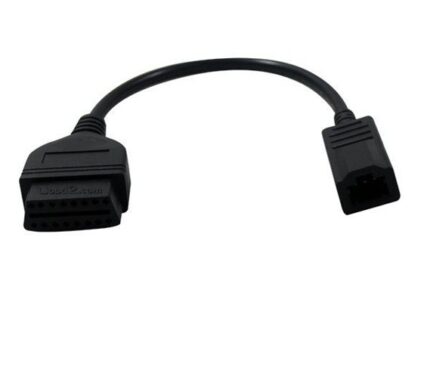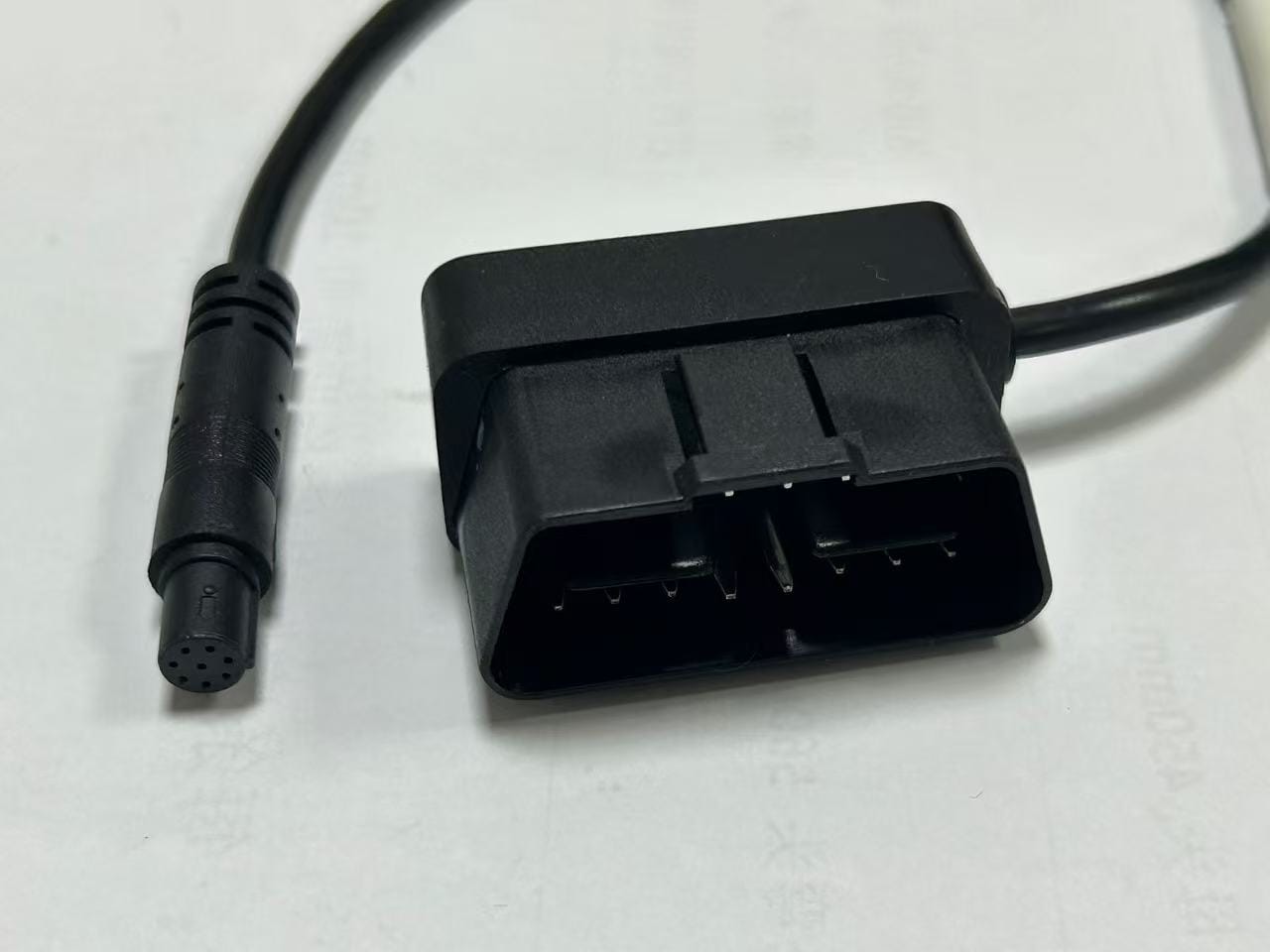
M8 Circular 8pin to OBDII Dash Camera power video cable
An M8 to OBDII dash camera cable turns the diagnostic port under the dash into a fused power and video feed for a camera or DVR, without cutting the vehicle loom. Constant 12 V, ACC and ground land on the pins you specify.
Overview
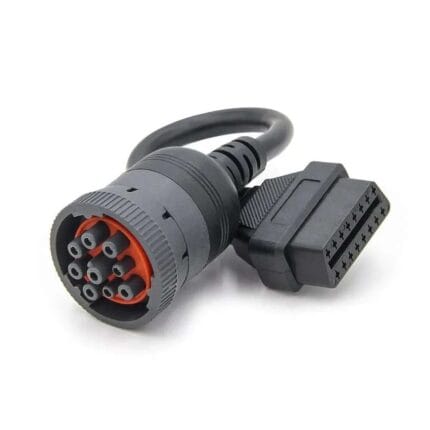
The job of an M8 to OBDII dash camera cable is to turn the diagnostic port under the dash into a clean feed for a camera or DVR, without an installer cutting into the vehicle loom. One end carries the M8 8-position circular connector your camera housing specifies; the other carries the 16-pin plug that every 1996-onward light vehicle has. What runs between the two is the part that matters, and it is the part we build to your drawing: constant 12 V, switched ACC, ground, and whichever video or data pairs your device needs.
Key Specifications
| Connector A | M8 8-position, A-coded, male or female, straight or right-angle |
|---|---|
| Connector B | OBDII 16-pin J1962 plug, or 16-pin socket with a pass-through body |
| Pins wired | 2 to 8 conductors populated, per your pinout |
| Conductor | 32 to 12 AWG, per build |
| Jacket | PVC standard; PUR for oil and abrasion; TPE on request |
| Shielding | Unshielded, or foil and braid on video and CAN pairs |
| Overmold | Standard M8 body from in-house tooling; new body adds about 10 working days |
| Length | OEM build to order, 0.3 m and up |
What the OBDII port actually offers you
The 16-pin diagnostic connector is defined by SAE J1962, and the standard assigns most of the pins to specific protocols while leaving several to the vehicle maker. Those manufacturer-discretion pins are where aftermarket power leads usually go wrong, because a pin that carries ignition on one platform can be dead or proprietary on the next. The table below is the industry-standard assignment for a 12 V Type A passenger vehicle port, given here as a reference only — the assembly you receive is wired to the pinout on your order and verified to it.
Pin numbering runs 1 to 8 across the top row and 9 to 16 across the bottom row when you look into the face of the vehicle port. Full background on the diagnostic standard sits with the OBD-II entry.
| Pin | Signal per SAE J1962 | What it means for a camera build |
|---|---|---|
| 1 | Manufacturer discretion | Sometimes ignition or a proprietary bus — never assume |
| 2 | SAE J1850 Bus + | Legacy Ford PWM; rarely needed today |
| 3 | Manufacturer discretion | Varies by make and model |
| 4 | Chassis ground | The power return on most camera builds |
| 5 | Signal ground | Clean reference; use it for data returns, not for current |
| 6 | CAN High (ISO 15765-4 and SAE J2284) | Telematics data on 2008-onward vehicles |
| 7 | K line (ISO 9141-2 and ISO 14230-4) | Legacy ISO diagnostic protocol |
| 8 | Manufacturer discretion | Varies by make and model |
| 9 | Manufacturer discretion | Varies by make and model |
| 10 | SAE J1850 Bus – (PWM) | Legacy Ford PWM companion to pin 2 |
| 11 | Manufacturer discretion | Varies by make and model |
| 12 | Manufacturer discretion | Rarely populated |
| 13 | Manufacturer discretion | Rarely populated |
| 14 | CAN Low (ISO 15765-4 and SAE J2284) | Telematics data, always paired with pin 6 |
| 15 | L line (ISO 9141-2) | Legacy ISO wake-up line |
| 16 | Battery positive, unswitched | Constant 12 V — the reason parking mode works |
Pick the power scheme before you pick the cable
Four builds cover almost every request we see. Choose by what the camera has to do when the ignition is off, not by how many cores the M8 has.
| Build | Pins used | Gives you | Watch out for |
|---|---|---|---|
| Constant power only | 16 and 4 | Parking-mode recording, camera handles its own cutoff | A camera with no low-voltage cutoff will flatten the battery |
| Constant plus ACC sense | 16, 4 and an ignition-sense pin | Switching between drive and parking behavior | The ignition pin is manufacturer discretion — verify it on the vehicle |
| Power plus CAN | 16, 5, 6 and 14 | Telematics, speed and RPM, fleet data | The drop must stay short and untwisted pairs should not be used |
| Power plus video pairs | 16, 4 plus coax or twisted pairs | DVR boxes with a rear or cabin camera | Video needs its own shield and return, not the chassis ground |
One example M8 8-position to OBDII mapping
The table below is a worked example of how eight cores get used, so you can see the shape of the decision. It is not a default. If your camera takes power on pin 1 and video on pins 5 and 6, or the other way around, that is the wiring table we build and test to.
| M8 pin | Conductor color | Example assignment |
|---|---|---|
| 1 | White | Constant 12 V from OBDII pin 16 |
| 2 | Brown | Chassis ground from OBDII pin 4 |
| 3 | Green | ACC or ignition sense |
| 4 | Yellow | Signal ground from OBDII pin 5 |
| 5 | Gray | Video or data 1 |
| 6 | Pink | Video or data 2 |
| 7 | Blue | CAN or serial, per your device |
| 8 | Red | Spare or shield drain |
Where dash camera power goes wrong
Most warranty returns on OBD-sourced camera power are not cable failures. They are specification failures, and they are all avoidable at the drawing stage:
- Treating pin 16 as switched. It is unswitched battery positive. A camera without its own cutoff will record until the vehicle will not start.
- Assuming a manufacturer-discretion pin carries ignition. On some platforms it does; on others it is a proprietary bus or empty.
- Returning current through pin 5. Signal ground is a clean reference for data, not a power return — use pin 4.
- Sharing the video return with the power return. That is how you get horizontal bars across the footage on every night recording.
- Running a long unfused lead to a device that draws hard on boot. A fuse at the port end is cheap insurance.
- Forgetting that a telematics box on pins 6 and 14 is a node on the bus. Two nodes that both wake the network will keep modules alive and drain the battery.
Typical applications for this M8 to OBDII dash camera cable
- Front and rear channel DVR installs on fleet cars and light trucks
- Ride-hail and delivery fleets standardizing on one harness across mixed vehicle platforms
- Telematics and GPS trackers that need constant power plus CAN, alongside our OBD2 dashcam power cable with low-voltage cutoff
- Insurance and driver-monitoring cameras shipped as a kit with a camera housing
- Aftermarket parking-mode retrofits where the port is the only accessible power point, paired with an OBD2 extension flat cable to bring the port within reach
How to specify your build
- Power scheme — constant only, constant plus ACC, or constant plus CAN.
- The pinout, pin for pin, or the camera and vehicle part numbers so we can derive it.
- M8 end — male or female, straight or right-angle, and the mating housing you use.
- Conductors — how many cores are populated and the gauge for the power pair.
- Video or data pairs — twisted, shielded, coax, or none.
- Jacket and length, and whether the run is clipped under trim or lying loose.
- Protection — in-line fuse, ferrite, or a cutoff module in the harness.
- Quantity, and whether this is a sample batch or a production run.
Workmanship and testing
M8 Circular 8pin builds are assembled and inspected to IPC/WHMA-A-620 Class 3 criteria, with ISO 9001 as the quality system over 32 to 12 AWG work. continuity and pinout are checked on every M8 unit before packing, and seal checking is quoted whenever an ingress rating is on the drawing.
Material declarations against RoHS and REACH are issued per project, alongside the dimensional and electrical reports agreed at quotation; see certifications, compliance and material declarations. Where your drawing names a UL style or another approval, the build follows your drawing and ships with the supporting document rather than a claim of our own. The strain relief and molded body are produced on tooling we cut ourselves see the overmold tooling we build in-house so the tool is quoted separately, owned by you, and available for repeat runs years later. The wider context is covered under cable assemblies for automotive and EV.
Custom builds and ordering
M8 Circular 8pin prototype builds start from 1 to 50 pcs and are out in 3 working days. Production is quoted from 500 pcs at 14 working days after sample sign-off. Tooling not already held adds around 10 working days. Your part number and labeling go on OEM and ODM M8 shipments, and material certificates and first-article reports come with them on request.
Related automotive assemblies
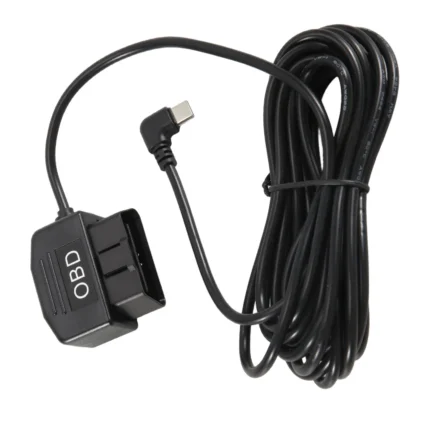
- OBD power cable for dash camera, OBD to USB Type-C and DC plug
- Vehicle rear camera extension cable in 4, 5, 6 and 8 pin
- 16 pin OBDII Y splitter extension cable
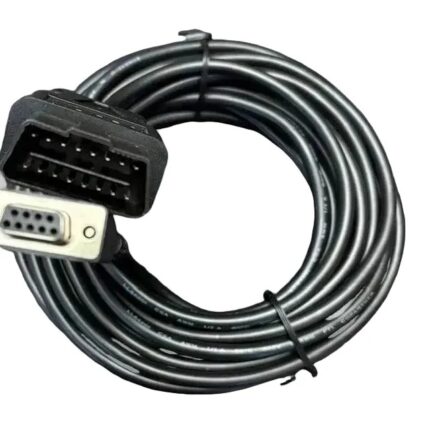
- OBD-II 16-pin to DB9 CAN bus diagnostic cable
- M8 6-pin A-coded sensor cable for the camera-side interface
- Car dashboard flush-mount USB and HDMI extension cable where a display is added
Full range: automotive cable and wire harness assemblies.
Frequently Asked Questions
Does pin 16 stay live when the car is off?
On a Type A 12 V port, yes — it is unswitched battery positive. That is what makes parking mode possible and what kills batteries when the camera has no cutoff. If you need switched power, tell us which pin your platform uses and we will wire it as an ACC sense.
Can you populate only some of the eight positions?
Yes. Two-conductor power-only builds are common and cost less than a fully populated eight-core loom. We wire the positions you name and leave the rest empty unless you ask for spares.
Do I need CAN pins on a camera cable?
Only if the device reads vehicle data. A camera that just records needs power and ground. A telematics box needs pins 5, 6 and 14 as well, and the pair should be a twisted, shielded run.
Will this fit my camera housing?
Give us the housing part number or a photo of the mating face. M8 A-coded 8-position is the usual fitment, but keyway and gender are what actually decide it, and both are visible in a face photo.
What is the minimum order?
M8 Circular 8pin prototype builds start from 1 to 50 pcs and are out in 3 working days. Production is quoted from 500 pcs at 14 working days after sample approval.
| Connector A | M8 8-position, A-coded, male or female, straight or right-angle |
|---|---|
| Connector B | OBDII 16-pin J1962 plug, or 16-pin socket with a pass-through body |
| Pins wired | 2 to 8 conductors populated, per your pinout |
| Conductor | 32 to 12 AWG, per build |
| Jacket | PVC standard; PUR for oil and abrasion; TPE on request |
| Shielding | Unshielded, or foil and braid on video and CAN pairs |
| Overmold | Standard M8 body from in-house tooling; new body adds about 10 working days |
| Length | OEM build to order, 0.3 m and up |