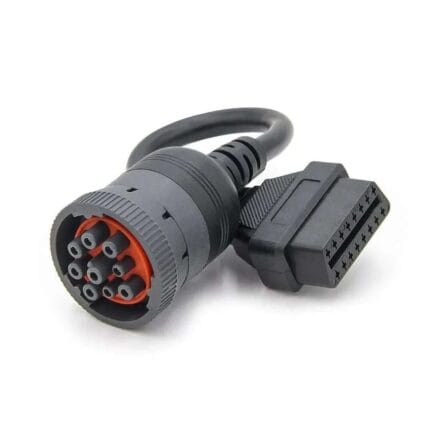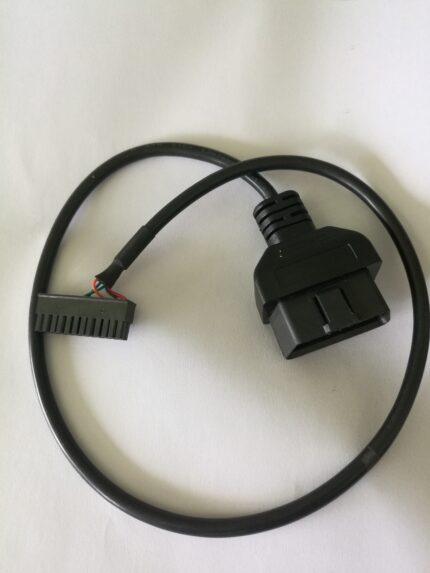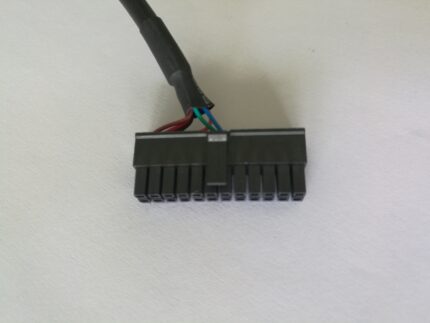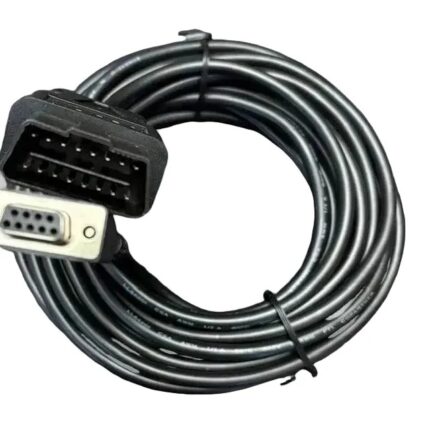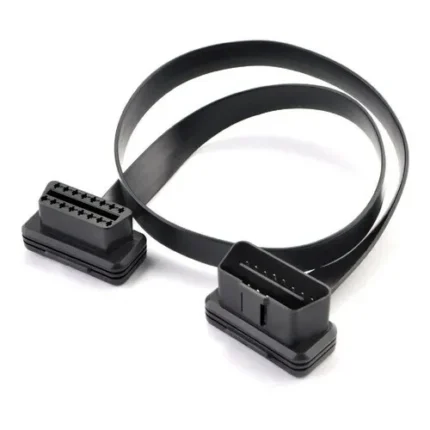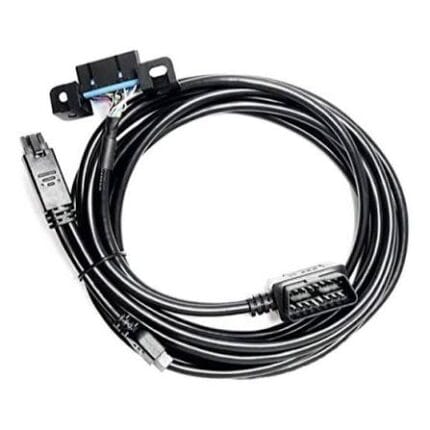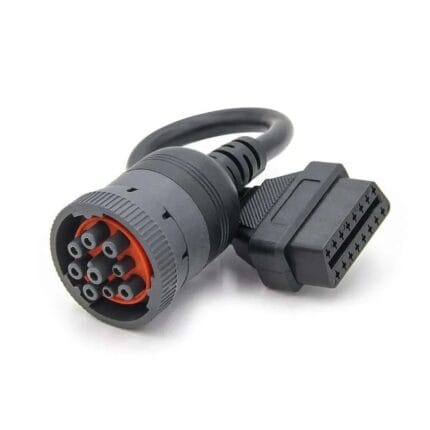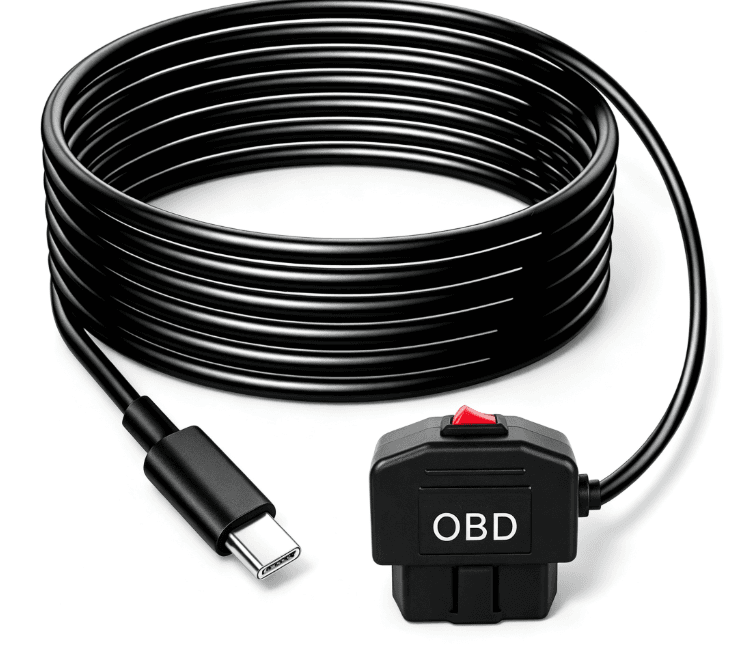
OBD Power Cable for Dash Camera, OBD to USB Type-C OBDII Power Adapter OBD2 to DC power cable Switch Charger Cable
An OBD power cable for dash camera installs that takes 12 V or 24 V from the diagnostic port to a USB Type-C device end, with no trim removal and no fuse tap.
Overview
An OBD power cable for dash camera installation takes power from the diagnostic port under the dash instead of hardwiring into the fuse box. That is the whole appeal: no trim removal, no fuse tap, no warranty argument with the dealer. The catch is that the OBD port is a diagnostic port first and a power outlet second, so what it supplies, and for how long, varies by vehicle. We build the lead to the output your camera needs and to the length your routing needs, with the protection you specify.
Key Specifications
| Connector A | OBD-II 16-pin (J1962) male |
|---|---|
| Connector B | USB Type-C, or DC barrel to order |
| Input | 12 V or 24 V vehicle system, per order |
| Output | To the camera or device specification, stated per order |
| Switch | In-line on/off switch optional |
| Jacket | PVC standard; PUR for engine bay routing |
| Length | OEM build to your vehicle layout |
| Marking | Your part number printed on the overmold |
What the OBD port actually gives you
The 16-pin J1962 connector carries permanent battery power, switched accessory power and two ground pins, alongside the diagnostic bus lines. That is why one OBD lead gives you parking mode and another switches off with the ignition: it depends which pins the lead uses.
| Pin function | Typical pin | Live when | Used for |
|---|---|---|---|
| Battery positive | 16 | Always | Parking mode and always-on recorders |
| Ignition switched | Varies by maker | Key on | Recording only while driving |
| Signal ground | 4 | Always | Return for the power circuit |
| Chassis ground | 5 | Always | Return and shield reference |
Pin assignments above are the industry-standard definitions for the J1962 connector, not a claim about any particular vehicle. Your lead is built to the pinout you specify and verified to that pinout.
If you want the background on the port itself, the on-board diagnostics article explains why it is there in the first place.
Why a dash camera OBD lead gets replaced
- Battery drain. An always-live lead with no low-voltage cutoff will flatten a battery in a week of standing. This is the single most common complaint, and it is a design issue rather than a cable fault.
- The port is not always live. Some vehicles cut power to the port after a few minutes, so parking mode never works.
- Footwell damage. The connector sticks out into the driver footwell and gets kicked until the shell cracks.
- Heat. A lead routed near the heater outlet or up the A-pillar in direct sun runs hotter than a standard PVC jacket likes.
- Cheap converters. A poorly regulated converter injects noise onto the vehicle bus and throws diagnostic warning lights, which is alarming and entirely avoidable.
Identifying the lead you have now
- Count the pins on the vehicle connector. OBD-II is 16 pins in a D-shaped shell. Older vehicles need an adapter, not a different cable.
- Check the device end. USB Type-C, micro USB, mini USB or a DC barrel all show up on cameras of different ages.
- Read the label on the converter module, if there is one, for the input and output figures.
- Decide whether you need parking mode. That decides whether the lead draws from the permanent pin.
- Measure the run from the port up the A-pillar and across the headlining, not point to point.
Fitting and verifying the installation
- Plug the OBD end in first with the ignition off, and confirm the device powers up if it is meant to.
- Route the lead along the A-pillar trim and the headlining, keeping it clear of airbag deployment paths.
- Do not run the lead across the steering column or anywhere it can catch a foot.
- Start the engine and confirm the camera records, then switch off and confirm what it does when parked.
- Leave the vehicle standing overnight on the second day and check it still starts. If it does not, the draw is too high or the cutoff is set too low.
Typical Applications for This OBD Power Cable for Dash Camera
- Fleet cars and vans where the camera has to be fitted and removed without trim work
- Lease and rental vehicles where no permanent modification is allowed
- Parking mode recording on vehicles that keep the port live
- GPS trackers and telematics units that need a switched and a permanent feed
- Demonstration and evaluation installs where the lead moves between vehicles
How to specify your build
- Device end: USB Type-C, micro USB, mini USB or DC barrel.
- Output required by the camera, from its specification.
- Parking mode or not, which sets the pin used.
- Low-voltage cutoff if the vehicle will stand for long periods.
- Switch: in-line on/off, or none.
- Length and routing, including whether it crosses the engine bay.
- Quantity, and whether this is a prototype or a production order.
Workmanship and testing
Assembly and inspection follow IPC/WHMA-A-620 Class 3 workmanship criteria under our ISO 9001 quality management system, and every unit passes 100% continuity and pinout testing before it is packed. Conductor range is 32 to 12 AWG. Output figures are not invented here: whatever the assembly is meant to deliver is stated on your drawing and verified against it. Pin functions quoted for the diagnostic connector are the industry-standard definitions.
RoHS and REACH declarations are provided per project together with the agreed test reports; the documentation scope is listed under certifications and compliance. If your drawing specifies a UL style, we build to that drawing and supply the UL reference with the shipment instead of substituting an equivalent. This assembly is built on the four lines covered under the assembly lines behind this build, with nothing in the build handed to an undisclosed subcontractor. The wider context is covered under cable assemblies for automotive and EV. Any tooling we cut for this part stays yours, maintained in our own tool room under your part reference.
Custom builds and ordering
OBD Power prototypes start from 1 to 50 pcs and ship in 3 working days; series supply starts at 500 pcs and takes 14 working days after approval. Tooling not already held adds around 10 working days. OBD builds ship under your part number and labeling for OEM and ODM orders, and material certificates and first-article reports are available on request.
Related automotive power and camera assemblies
A camera install usually needs a power source and a video run:
- OBD2 Dashcam Power Cable with Low-Voltage Cutoff
- OBD2 Splitter USB Charger Cable, 16-Pin Pass-Through Y Lead
- OBD2 Extension Flat Cable, 16-Pin Male to Female Ribbon Lead
- M8 Circular 8-Pin to OBDII Dash Camera Power and Video Cable
- Vehicle Rear Camera Extension Cable, 4 / 5 / 6 / 8 Pin
- 12V/24V Cigarette Lighter Power Cable
- Heavy-Duty Battery Power Cable with Ring Terminals
Full range: automotive cable and wire harnesses.
Frequently Asked Questions
Will this flatten my battery?
If the lead draws from the permanent pin and the vehicle stands for days, it can. Specify a low-voltage cutoff if you want parking mode on a vehicle that is not driven daily.
Why does parking mode not work on my car?
Many vehicles cut power to the diagnostic port after a few minutes. Test the port with a meter before ordering an always-live lead.
Can I have a different device end?
Yes. USB Type-C, micro USB, mini USB and DC barrel are all built to order.
Is it legal to leave something plugged into the port?
Rules vary by market and by vehicle warranty. Check both before a fleet-wide fit.
What is the minimum order?
OBD Power prototypes start from 1 to 50 pcs and ship in 3 working days; series supply starts at 500 pcs and takes 14 working days after approval.
| Connector A | OBD-II 16-pin (J1962) male |
|---|---|
| Connector B | USB Type-C, or DC barrel to order |
| Input | 12 V or 24 V vehicle system, per order |
| Output | To the camera or device specification, stated per order |
| Switch | In-line on/off switch optional |
| Jacket | PVC standard; PUR for engine bay routing |
| Length | OEM build to your vehicle layout |
| Marking | Your part number printed on the overmold |