USB 2.0 Single Port Car Dashboard Flush Mount Extension Cable
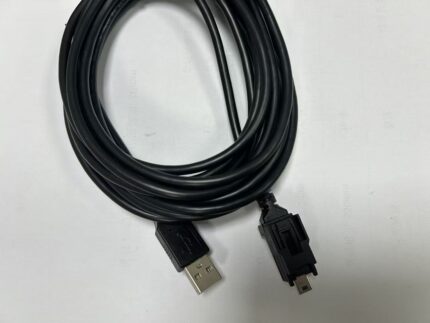
A usb 2 0 single port cable with an open socket and a bezel nut, for permanent installs where nobody wants a cap in the way. 28 AWG data, 24 AWG power, black PVC jacket, 1 m / 2 m / 3 m. USB 3.0 version on request.
Overview
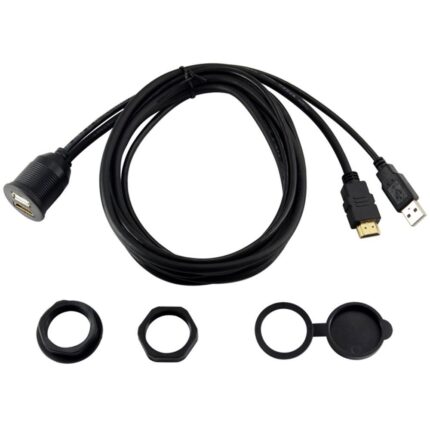
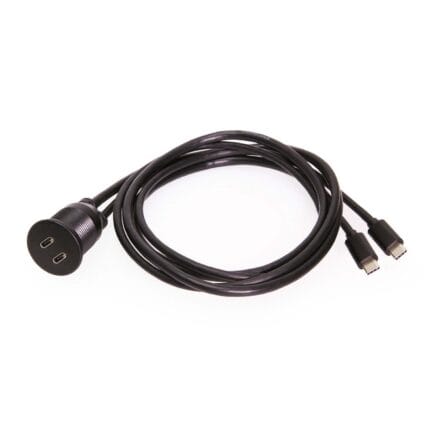
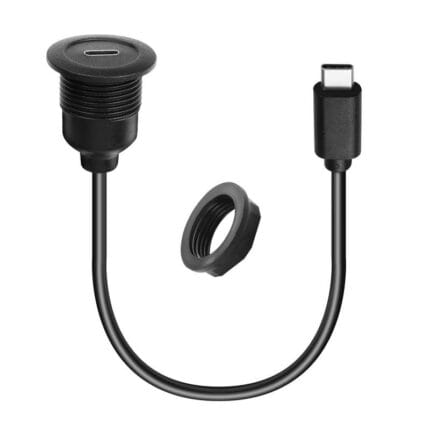
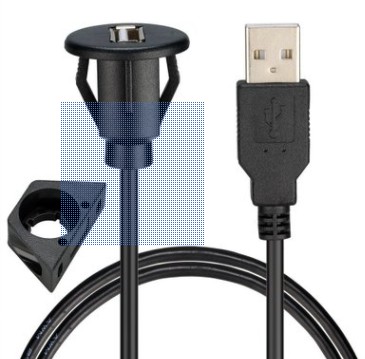
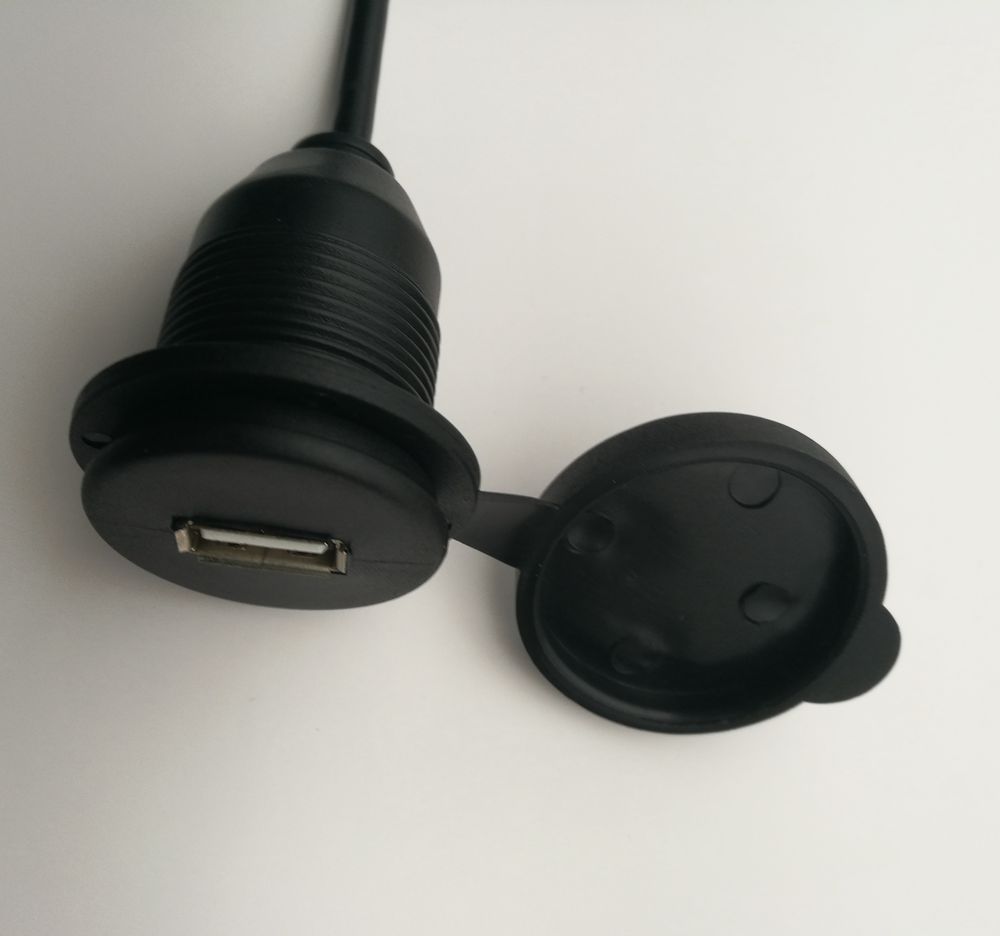
A usb 2 0 single port cable is the plainest panel socket we build: one USB-A female in a 28-30 mm round cut-out, held by a bracket and a bezel nut, with no cap and no cover. That is a deliberate choice rather than a cost saving. On a permanent indoor install – an AV cabinet, a conference table, a boat cabin – a cap is one more thing to break and one more thing in the way, and there is nothing to protect the socket from. The build is 28 AWG data and 24 AWG power in black PVC at 1 m, 2 m or 3 m, and the USB 3.0 version with the blue insert is available where the source supports 5 Gbps. If the socket is going to see weather, this is the wrong part and the capped version is the right one.
Key Specifications
| Connector A | USB-A Male |
|---|---|
| Connector B | USB-A Female, panel mount, open socket |
| USB specification | USB 2.0 480 Mbps; USB 3.0 5 Gbps with blue insert |
| Conductor | 28 AWG data + 24 AWG power |
| Outer diameter | OD 3.5 mm / OD 4.5 mm |
| Jacket material | Black PVC |
| Cable length | 1 m / 2 m / 3 m |
| Mounting | Flush mount bracket, 28-30 mm cut-out, screw and bezel nut |
| Cut-out diameter | 28-30 mm round |
| Application | Car, marine and motorcycle dashboards; indoor furniture and AV cabinets |
Which panel socket do you actually need?
The single decision that matters is whether the socket is exposed. Everything else – port count, USB speed, cap or no cap – follows from the answer and from what has to plug into it. Here is how the family lines up.
| Build | Best for | Where it loses | Choose it when |
|---|---|---|---|
| Single open socket, USB 2.0 | Permanent indoor installs, AV cabinets, dashboards | No protection from splash or dust | The socket is dry and always in use |
| Single socket with flip cap | Motorcycle, marine, outdoor kiosk | A cap to lose and a hinge to break | The socket sits in weather some of the time |
| Twin port, two sockets | Two devices, or a passenger and a driver | Needs more depth behind the panel | Two things have to charge at once |
| USB 3.0 with blue insert | Data transfer as well as charging | Costs more and needs a USB 3.0 source | The port carries data at speed, not just power |
| USB-C panel socket | Modern phones, PD charging, reversible plug | Older USB-A devices need an adapter | The fleet has moved to USB-C |
USB 2.0 or USB 3.0 on a panel extension
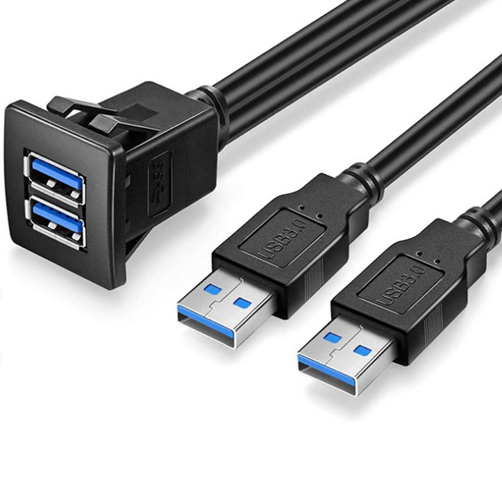
USB 3.0 adds a second differential pair and a ground, which is why the connector has more contacts and why the blue insert is the visual tell. It is worth specifying when the port is a data port – a media drive, a diagnostic laptop, a camera offload. It is not worth paying for when the port is a charger, because nothing in the charging path uses the SuperSpeed pairs. Be aware that the 5 Gbps figure is a bus rate, not a throughput guarantee, and that a long extension plus a marginal source will negotiate down rather than fail cleanly.
| USB 2.0 | USB 3.0 | |
|---|---|---|
| Signaling rate | 480 Mbps | 5 Gbps |
| Conductor count | Four – power, ground, one pair | Nine – adds two pairs and a drain |
| Typical use at the panel | Charging, sync, low-rate data | Media transfer, diagnostics, fast offload |
| Insert color | Black or white | Blue |
| Backward compatible | With USB 1.1 | With USB 2.0 devices at USB 2.0 rates |
Bezel nut and bracket: the mechanical half of the decision
An open socket has no cap to absorb abuse, so the fixing matters more, not less. The bezel nut clamps the flange against the front of the panel and the bracket spreads the load on the back; between them they have to survive the plug being inserted at an angle, repeatedly, by someone who is not looking. On thin or flexible trim, add a backing plate behind the panel so the clamp load lands on something with stiffness. On a metal panel, deburr the hole: a sharp edge left on the inside of a cut-out will eventually cut into the cable where it passes through.
Where a USB 2 0 single port cable is the right answer
- AV cabinets and equipment racks where the socket is behind a door and never sees weather
- Conference tables, hotel furniture and desk panels with a flush USB-A port
- Car and boat dashboards where a phone is plugged in more or less permanently
- Control cabinets that need a service port on the door, see the Control Cabinet Service Interface
- Indoor kiosks and point-of-sale terminals, alongside our Kiosk and Self-Service Terminal Harness
- Installs that will later add a second port, compare the Dual-Port USB 3.0 Panel Flush-Mount Extension
- Panel builds that want a metal threaded body instead, see the D-Type USB Panel Feedthrough
Failure modes on open panel sockets
Dust is the slow one: an open socket in a workshop or a vehicle cabin packs with lint and grit until the plug will not seat fully, and the symptom is intermittent charging rather than a dead port. The fast one is mechanical – a bezel nut that was never properly tightened lets the socket rotate, and each rotation takes the solder joints with it. And the classic installation fault is depth: nobody checks what is behind the panel, so the plug boot fouls a bracket and the plug can never go fully home. Check depth, tighten the nut, and clean the socket periodically.
What we treat as a target rather than a claim
Ratings shown here are the industry-standard description of what the USB 2.0 Single Port interface family is defined to do, not test results from a part of ours. Your assembly is built and verified to the values on your drawing, which we check against the supplier datasheet before quoting.
How to specify your build
- USB version – USB 2.0 as standard, USB 3.0 with the blue insert on request.
- Cut-out – 28-30 mm round; confirm against the bracket drawing.
- Length – 1 m, 2 m or 3 m, or your measured route length.
- Panel thickness and material, and whether you need a backing plate.
- Depth behind the panel – the plug plus its boot has to fit.
- Load – what the port has to charge.
- Quantity and whether this is a prototype or a production order.
Workmanship and testing
Build standard for USB 2.0 Single Port builds is IPC/WHMA-A-620 Class 3 under ISO 9001, with terminations from 32 to 12 AWG. No USB unit is packed until continuity and pinout check out, and seal checking is quoted whenever an ingress rating is on the drawing.
RoHS and REACH declarations are provided per project together with the agreed test reports; the documentation scope is listed under certifications and compliance. If your drawing specifies a UL style, we build to that drawing and supply the UL reference with the shipment instead of substituting an equivalent. The strain relief and molded body are produced on tooling we cut ourselves see the overmold tooling we build in-house so the tool is quoted separately, owned by you, and available for repeat runs years later. Related reading: our engineering review process.
Custom builds and ordering
On USB 2.0 Single Port builds, prototype lots run from 1 to 50 pcs and leave in 3 working days; production runs of 500 pcs and up ship 14 working days after approval. Tooling not already held adds around 10 working days. USB builds go out under your part number and labeling, and material certificates and first-article reports can be supplied.
Related panel and USB hardware
- D-Type USB Panel Feedthrough with Reversible A Port
- Dual Port USB Panel Mount with USB-C 100 W
- Dual-Port USB 3.0 Panel Flush-Mount Extension
- Flush Mount USB-C Receptacle, Threaded M21 Body
- Control Cabinet Service Interface with RJ45 and USB-C
Full ranges: panel mount cable, signal and data cables and custom wire harnesses.
Frequently Asked Questions
Is the open socket weatherproof?
No. With no cap it is a plain panel socket. If it will see splash or rain, take the capped version or a sealed pigtail.
When is USB 3.0 worth it?
When the port carries data – media transfer, diagnostics, camera offload. If the port is only ever a charger, USB 2.0 is the sensible spend.
Will a USB 3.0 socket work with a USB 2.0 device?
Yes. It negotiates down to USB 2.0 rates and works normally; you just do not get the extra speed.
How much depth do I need behind the panel?
Enough for the plug body plus its boot, plus a bend radius. Measure it before you order, because a plug that cannot go fully home is an intermittent fault waiting to happen.
| Connector A | USB-A Male |
|---|---|
| Connector B | USB-A Female, panel mount, open socket |
| Cable length | 1 m / 2 m / 3 m |
| USB specification | USB 2.0 480 Mbps; USB 3.0 5 Gbps with blue insert |
| Conductor | 28 AWG data + 24 AWG power |
| Outer diameter | OD 3.5 mm / OD 4.5 mm |
| Jacket material | Black PVC |
| Mounting | Flush mount bracket, 28-30 mm cut-out, screw and bezel nut |
| Cut-out diameter | 28-30 mm round |
| Application | Car, marine and motorcycle dashboards; indoor furniture and AV cabinets |